
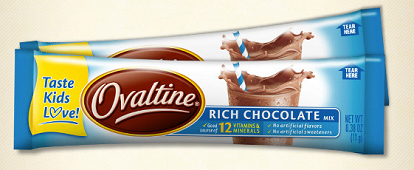
 Head over to the Ovaltine Facebook page to get a free sample of Ovaltine Sticks! You will have to allow the app to access your account, but if you’d like to remove it after requesting, go to your profile (or the little lock image at the top right of your page), click “See More Settings” and then click the “Apps.” From there you can remove any Apps you don’t want accessing your page.
While you’re over on Facebook, I’d love if you also decided to “Like” Couponing For 4! I post time sensitive things like freebies and Amazon Lightning Deals that don’t make it over here. Plus, we have a lot of fun!